SmallJS
Pharo example client
The Pharo client is a standard SmallJS browser app
that communicates to the Pharo server using a web standard API.
The static HTML files for the client app are hosted by the Pharo Server.
And there one web API request /hello done to the server and the result is shown.
So the Pharo sever setup is equivalent to a SmallJS Node.js / Express server app.
Starting the Pharo server
First make sure the Pharo server is set up and running first.
To set it up, check out: PharoServer.md
If it’s set up already, you can start it with: startServer.sh
Starting the SmallJS Pharo client
Open the VSCode workspace PharoClient.code-workspace
Press [F5] to start the client in debug mode.
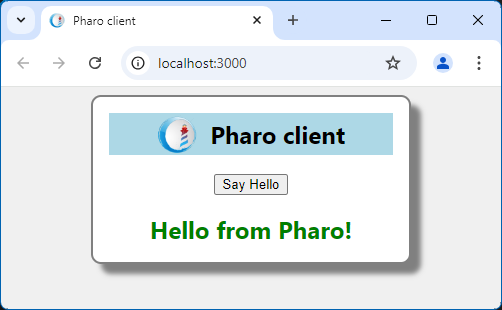
Press the “Say Hello” button to request a response from the Pharo server.
The result should look like this: